Home / Features / Scheduling
Scheduling

Schedule social media posts from one calendar

Plan, drag, drop, and publish across every channel without living in the app.

Start free today
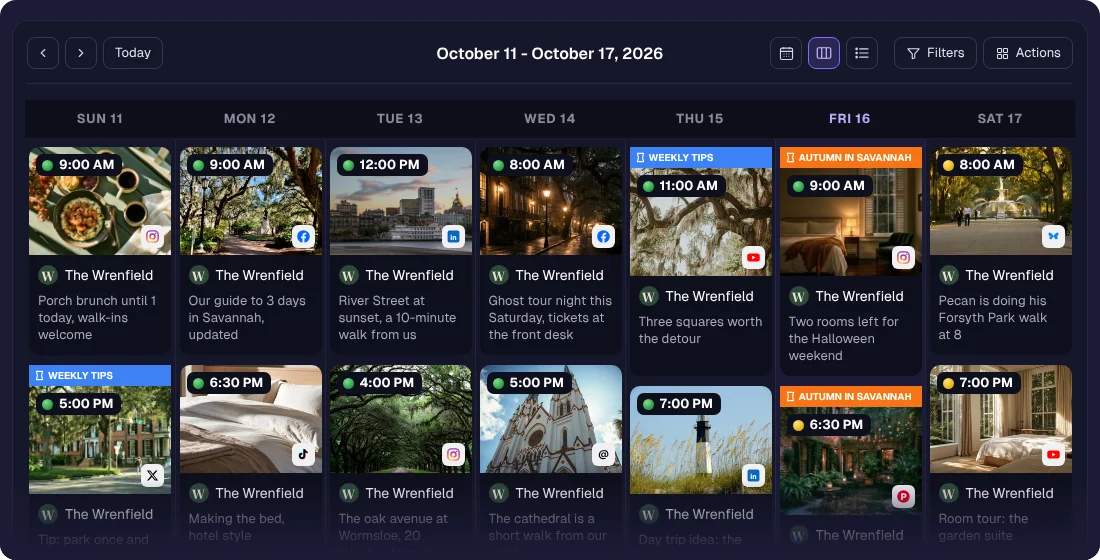
A week of hotel posts on the calendar

Posting well means posting on a plan, and a plan needs one place to live. sona.to puts every scheduled post across every channel on a single drag-and-drop calendar, so you can see the whole week at a glance instead of juggling separate apps and half-remembered timings. Plan ahead when you have the focus, and let each post go out on its own.

One calendar for every channel

See every post across all your connected accounts in one view. Instead of checking each network separately, the whole schedule sits in front of you, so gaps and clashes are obvious before they become a problem.
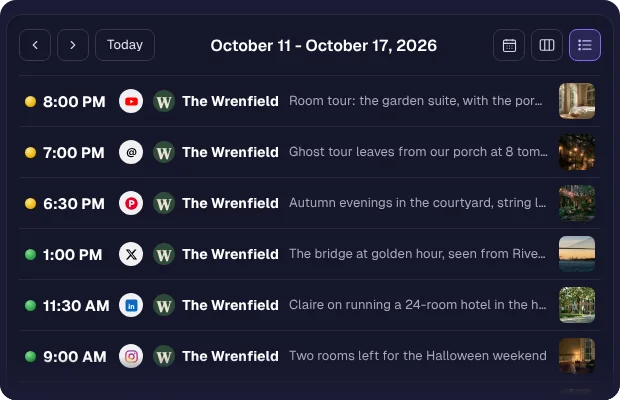
One day of hotel posts across several networks

Drag, drop, reschedule in seconds

Plans change. Drag a post to another day and its text and media move with it, at the same time. No re-uploading, no rebuilding.
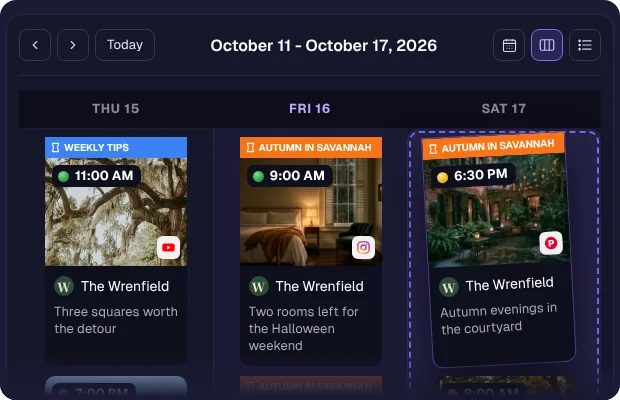
A post being dragged from Friday to Saturday

Plan months ahead

Load weeks or months of content at once and let it publish on schedule. Getting ahead of the calendar means the busy stretches take care of themselves, because the work was done when you had the time.
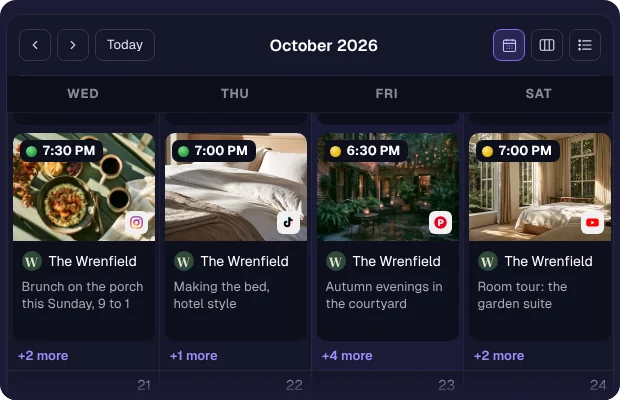
A month of hotel posts planned ahead
How it works
1
Connect your accounts
Link the networks you post to, from Instagram and LinkedIn to TikTok, Telegram, and Bluesky.
2
Create your posts
Write the content, add media, and pick the channels each post should go to.
3
Place them on the calendar
Drop each post on the day and time you want, and drag to adjust as plans change.
4
Let it publish
Each post goes out at its set time on its own, whether or not you are online.
Who it's for
Small businesses planning a week of posts in one sitting instead of scrambling daily.
Agencies managing several client calendars from one view without crossed wires.
Restaurants and shops lining up daily specials and offers ahead of time.
Solo creators staying consistent without opening five apps every morning.
See the scheduler page for each network →
Check a caption against each network limit →
Questions

Ready to try it?

Free to start, no credit card required.

Get started free